Since the demise of FSScreenshots I have decided not to show screenshots as before but to make them into browser slideshows...I will be remaking some of my best old ones and I'm starting with my first Trident post in 2005.
It is best viewed by waiting till the browser settles and then going View > Full Screen or just key F11 if it works for you.
Then click the "Play (>)" icon at bottom centre of the picture.
works fine, thanks for the shots!
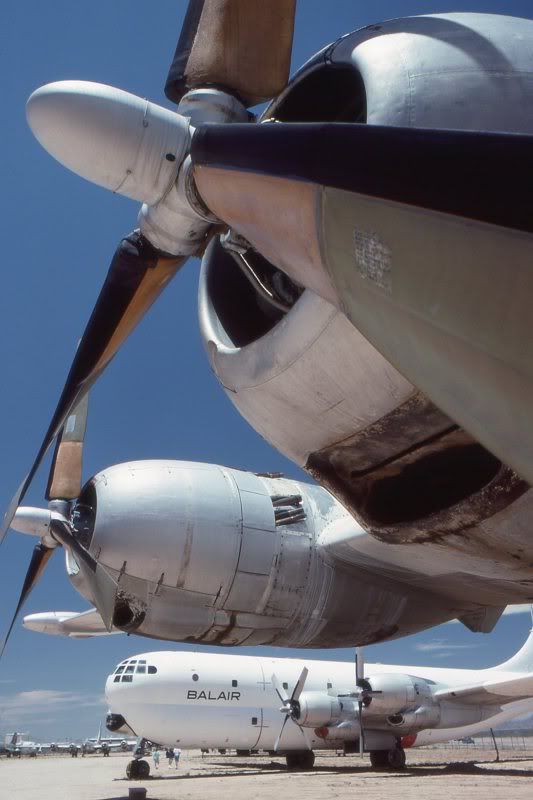
Always great to see a real-world photograph ahead of the screenshots, especially when it fits so well...
I suppose the comments below the pictures are sort of a personal add-on?
Or is there any advanced ATC-software you're using?
Thank you Nick...Yes the ATC was just made up for the captions
One of the problems with this new system is adding long captions...I'm using Lightroom to make the slideshows and it is not exactly intuitive to get what you want
VEGAS wrote:Not working for me in Firefox. Left it for about 5-6 minutes.
Just a black page with a loading image prompt..
Whoops! sorry I was thinking you were talking about the video...I'll just go and recheck the slideshow.
Yep just checked it and it runs smoothly and repeats continuously on Firefox...I don't have Chrome to test, but would be interested to know if it works on IE?













 I suffer from paranoid amnesia. I can't remember who I don't trust.