Re: Converting to AI
Posted: 22 Feb 2008, 22:12
Hi,
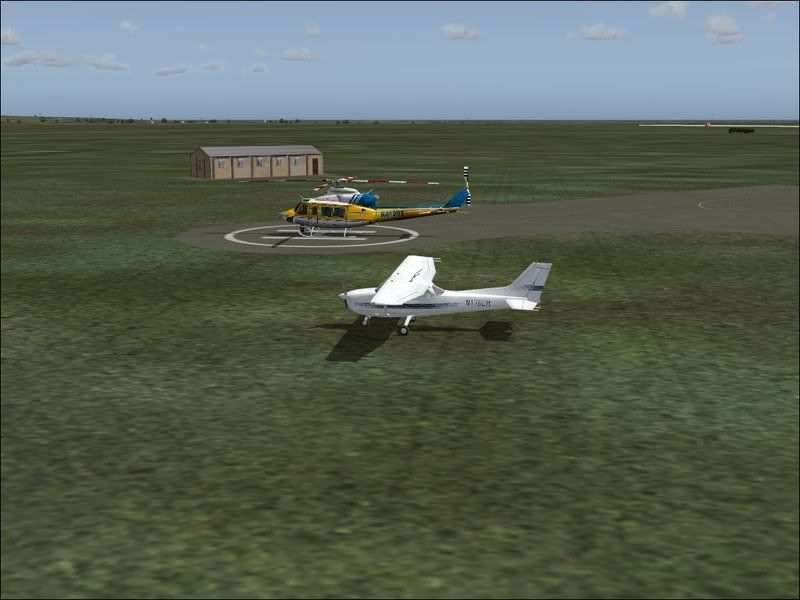
The other thing you have to worry about is the radius of the copter vs the radius of the parking place. Open AFCAD (if you have it) and go to Tools/Aircraft Editor. Then look down the list until you find that one. Click on it. Down below you will see the radius . The parking spot has to be bigger than that (in meters) for it to show up in FS. You can set AFCAD to display parking spot sizes in meters, if you don't already.
And you must have the phrase in the copter's title= line EXACTLY as written in the aircraft.txt file. Copy and paste it to make sure.
Hope this helps,
The other thing you have to worry about is the radius of the copter vs the radius of the parking place. Open AFCAD (if you have it) and go to Tools/Aircraft Editor. Then look down the list until you find that one. Click on it. Down below you will see the radius . The parking spot has to be bigger than that (in meters) for it to show up in FS. You can set AFCAD to display parking spot sizes in meters, if you don't already.
And you must have the phrase in the copter's title= line EXACTLY as written in the aircraft.txt file. Copy and paste it to make sure.
Hope this helps,