Ketchikan

If you have a payware prog whether it be a model, scenery or utility that you have tried.. tell us about it here.

Moderators: Guru's, The Ministry

Post Reply
User avatar
speedbird591
Battle of Britain
Battle of Britain
Posts: 4038
Joined: 24 Jun 2004, 05:56
Location: Wiltshire, UK
Contact:

Ketchikan

Post by speedbird591 »

This is the ORBX airport of Ketchikan in Alaska, an add-on to their Pacific Fjords scenery. The aircraft is the Captain Sim 727-100.

The scenery and the aircraft are for FSX but are running smoothly here in Prepar3d. The runway is elevated and the apron and terminal are accessed by ramped taxiways. ORBX includes animated people and there are various activities going on, such as baggage loading and a bit of aimless wandering :lol:

Image
The approach is slightly offset, in case you wondered!
Image
Image
Image

Ian :)

SkippyBing
Concorde
Concorde
Posts: 1460
Joined: 30 Aug 2006, 18:21

Re: Ketchikan

Post by SkippyBing »

Very nice, is there any AI traffic? I'm wondering if they can handle the sloping taxi-ways.
Image

User avatar
speedbird591
Battle of Britain
Battle of Britain
Posts: 4038
Joined: 24 Jun 2004, 05:56
Location: Wiltshire, UK
Contact:

Re: Ketchikan

Post by speedbird591 »

No AI here at the moment. The developers admitted they couldn't get it to handle the slopes and decided to release the scenery without it. They promise to keep working on it and if they can crack it they'll release a patch. Meanwhile it's just static aircraft.

Ian :)

SkippyBing
Concorde
Concorde
Posts: 1460
Joined: 30 Aug 2006, 18:21

Re: Ketchikan

Post by SkippyBing »

To be fair it's probably not the busiest airport in the world anyway!
So how do you handle taxiing up the slopes?!
Image

User avatar
speedbird591
Battle of Britain
Battle of Britain
Posts: 4038
Joined: 24 Jun 2004, 05:56
Location: Wiltshire, UK
Contact:

Re: Ketchikan

Post by speedbird591 »

SkippyBing wrote:So how do you handle taxiing up the slopes?!
Push the throttles forward? :lol:

No, seriously, it's pretty smooth except for a bit of a lip at the top where the front goes a bit light on the up or, if you're going down, the front tyre seems to sink into the concrete a little bit. Otherwise it seems pretty solid. I think they've done a very good job. I've just found this photo of the real one but it was only the fact that it hasn't got the Alaska Airlines 737 that convinced me it wasn't a sim screenshot :lol:

http://jetphotos.net/viewphoto.php?id=6701776

Ian :)

User avatar
petermcleland
Red Arrows
Red Arrows
Posts: 5201
Joined: 25 Jul 2004, 10:28
Location: Dartmouth, Devon
Contact:

Re: Ketchikan

Post by petermcleland »

I installed Pacific Fjords today Ian...but I have done something wrong with the transfer from FSX to P3D and have some slot shaped chasms in the tarmac. I have installed Patch001 but that didn't fix it. It is perfectly normal in FSX with no chasms. Did some flying from there today in Real Weather but it was very misty in the Fjords and I had fun weaving about to avoid the cloud and not hit a mountain. The FS9 version of this region by Holger was called Misty Fjords and today was a good illustration of why he called it that :lol:

Great pictures Ian :)

BTW...I am not seeing any people...Is there a setting somewhere for that?

User avatar
speedbird591
Battle of Britain
Battle of Britain
Posts: 4038
Joined: 24 Jun 2004, 05:56
Location: Wiltshire, UK
Contact:

Re: Ketchikan

Post by speedbird591 »

Peter, I think the only way to get the ORBX scenery to work is to either install directly into Prepar3d (if it has a P3D wrapper) or install into FSX and use ORBX's migrator tool which will then link all the files straight into Prepar3d for you.

In the case of Pacific Fjords it does not have a P3D wrapper as it is a slightly older program so it has to go into FSX.

This is how I've done mine and it works perfectly, including the 'peopleflow'. I installed all my ORBX scenery into FSX using the installers. Then I installed any patches from the support page.The last thing you install is the library which contains all the objects such as people and birds and generic things and whatever. The library updates are available here, so make sure you have the latest version: (at the bottom of the page) http://www.fullterrain.com/support.html The migration tool should contain the latest library but there is a new update so it won't do any harm to install it now anyway.

Then, when everything is installed in FSX, download the migrator tool from here: http://www.orbxsystems.com/forum/topic/ ... ntry405023

Just run it and it does everything for you. At the end it opens the control panel and you MUST select North America. You can also choose textures for your airports and your lights from the drop down menu on the control panel. Then when you go to P3D all your scenery will be in the right place and in the scenery.cfg for you.

The moving people are part of the add-on individual airports and not the general scenery. Have you grabbed the free airport of Bowerman for Pacific North West? That has moving people.

One warning - there is one small bug with the migration tool. When you run P3D, if you have one or two add-on ORBX airports you get a pop up box warning that there is an error on a couple of library files. ORBX are working on a fix and meanwhile just ask you to tick 'run once' and everything works OK. You may not get it. I do but it's not a problem.

Ian :)

User avatar
petermcleland
Red Arrows
Red Arrows
Posts: 5201
Joined: 25 Jul 2004, 10:28
Location: Dartmouth, Devon
Contact:

Re: Ketchikan

Post by petermcleland »

Thank you very much for those precise instructions Ian...I will follow them tomorrow and do both PNW and PF :)

User avatar
petermcleland
Red Arrows
Red Arrows
Posts: 5201
Joined: 25 Jul 2004, 10:28
Location: Dartmouth, Devon
Contact:

Re: Ketchikan

Post by petermcleland »

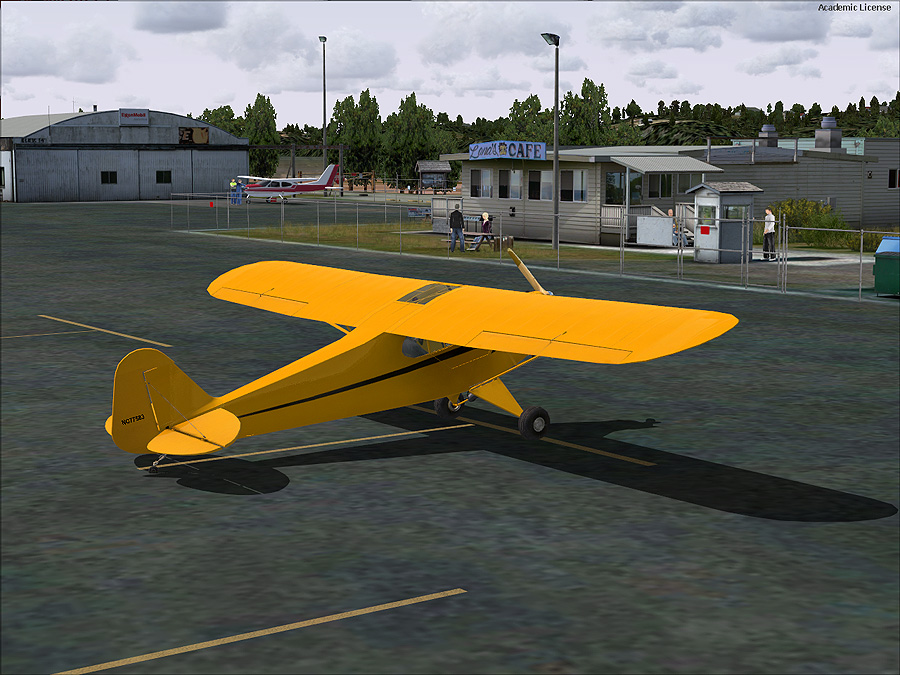
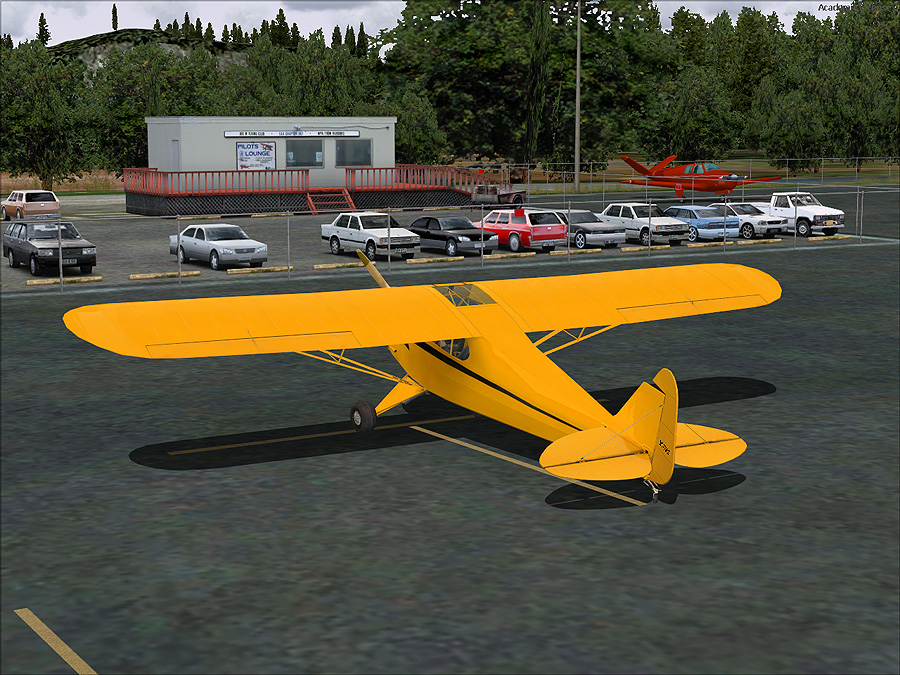
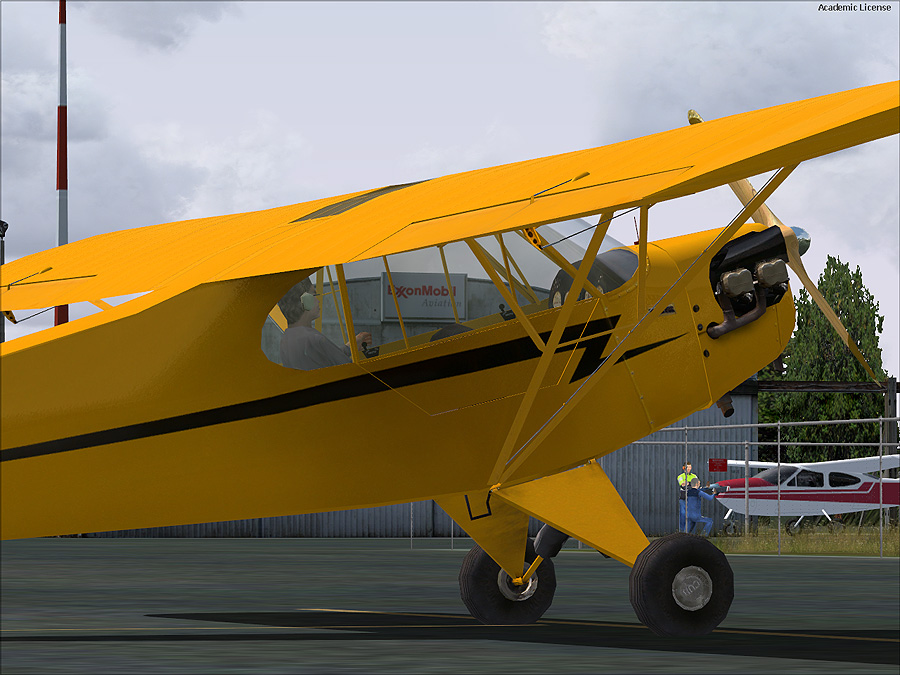
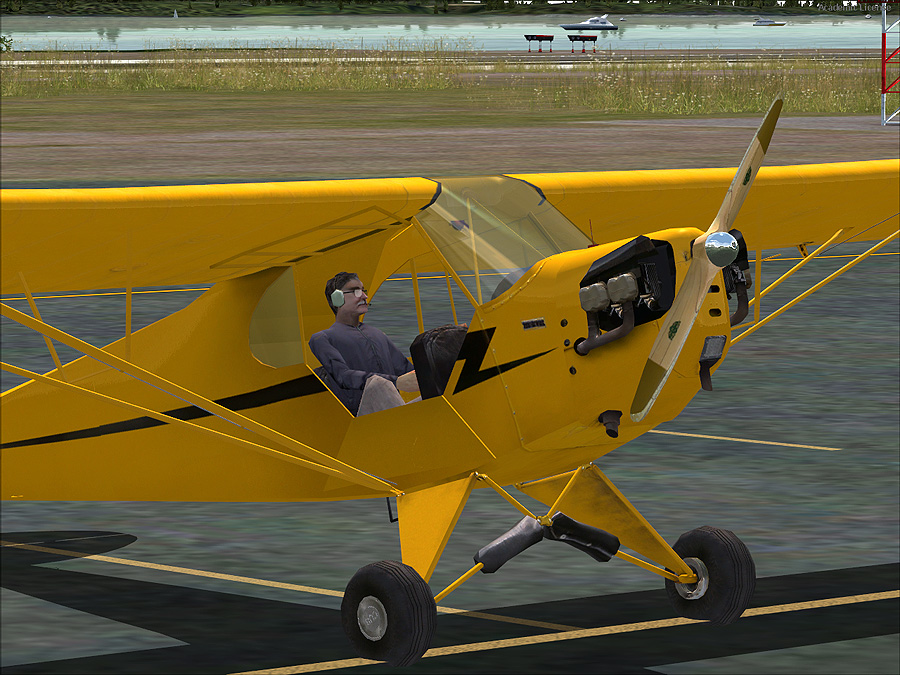
Thanks Ian...I got it all properly migrated, including Bowerman with its moving people:-

Image

Image

Image

Image

Post Reply